

FlickFlick 1.15.2 is out. If you already have it, it updates itself; if you don't, it's free for Mac and Windows. This one changes how you get in, and gives the island a quieter mode and a full screen of its own.
Two ways in
The ring and search each have a way in of their own now:
- Hold ⌘ (Ctrl on Windows) on its own. A small circle fills under your pointer, and when it's full, your ring opens right there. You choose how long it takes, and which ring it opens, in a ring's Binding.
- ⌘Space (Alt+Space on Windows) opens search: apps, files, snippets, the web and sums, from one bar.
New installs come this way. If you're updating, your shortcuts stay as they were, and the What's new tour in Settings shows you where to switch these on.
Do Not Disrupt, on the Mac
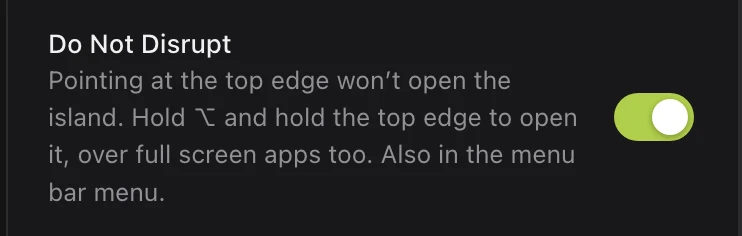
If you work along the top of your screen (tabs, title bars), the island can stay out of your way. With Do Not Disrupt on, pointing at the top edge opens nothing. Hold ⌥ and the top edge opens the island as usual.
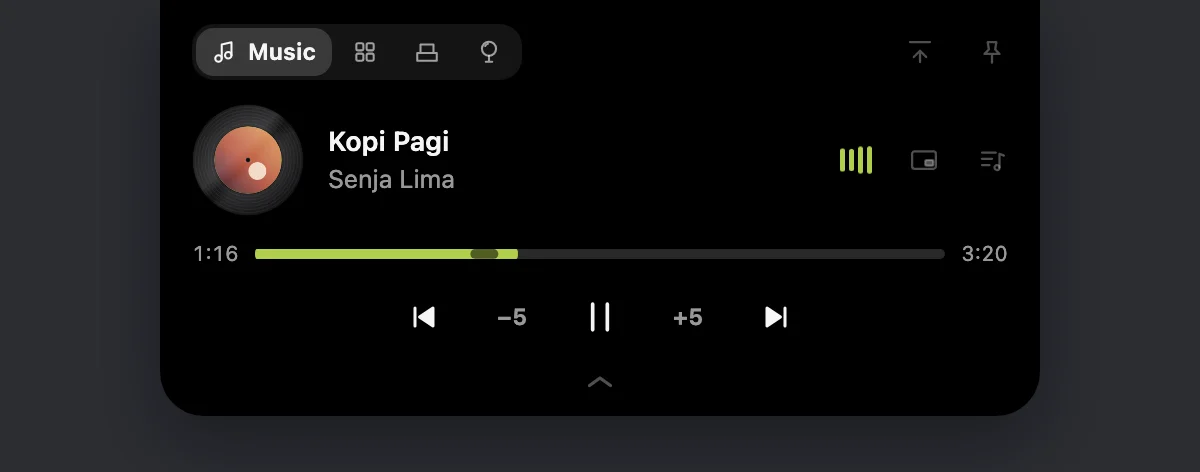
It works over full screen apps too. Without Do Not Disrupt, the island stays out of full screen apps, so the menu bar can slide down when you point at the top. With it on, the island is there, tucked away until you hold ⌥.
It's in the menu bar menu (Island: Do Not Disrupt) and in Settings → Island. On Windows it has been there since 1.15.1, with Ctrl.
Lyrics on a turntable
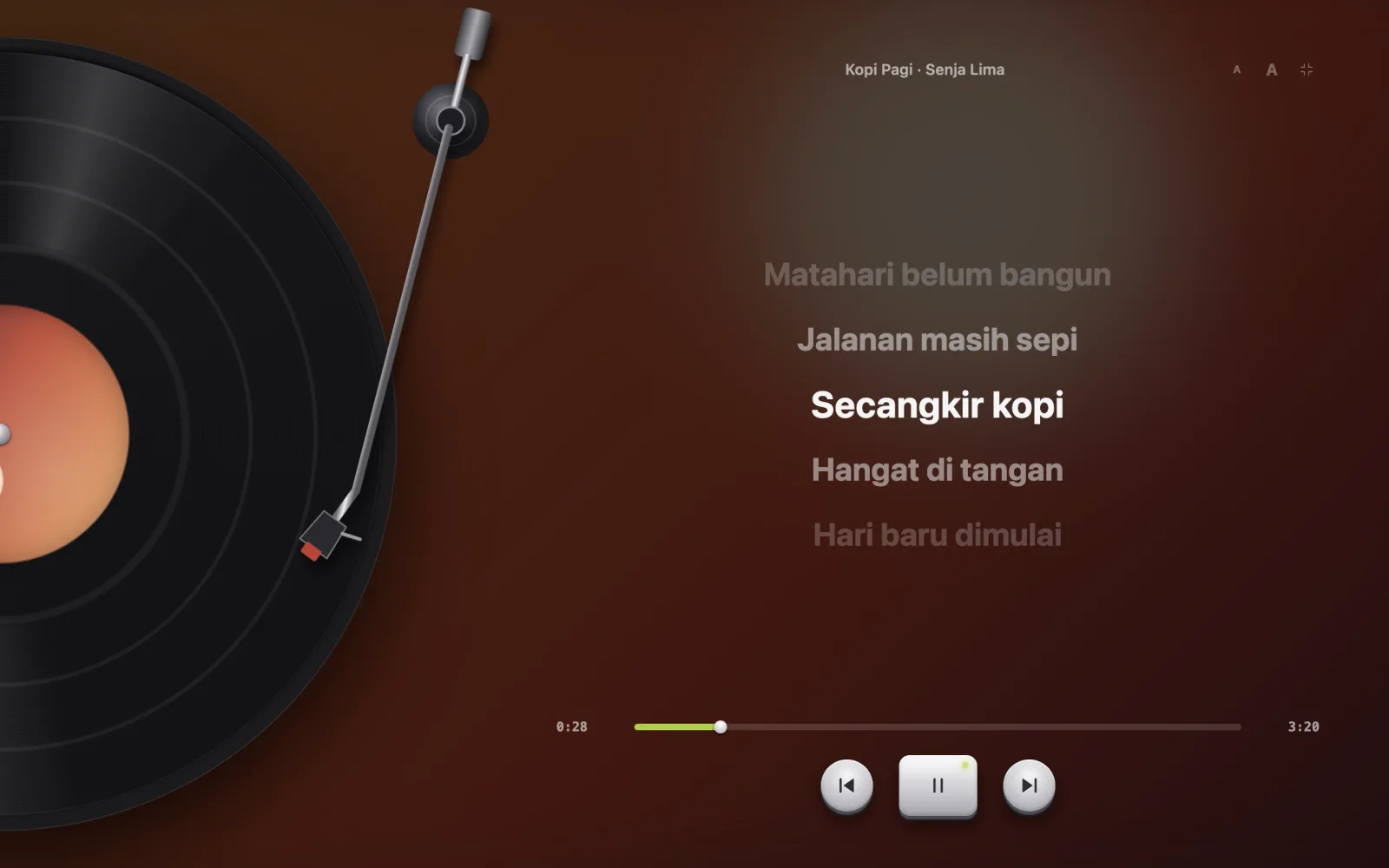
Press F on the island and the lyrics take the whole screen, next to half a record that turns. Move the tonearm or the progress bar to seek, and the keys under the bar play, pause and skip. The sleeve slides in from the left and follows your pointer. It's in Search too.
The island can also be dragged anywhere along the top now. The corners and the middle pull it in.
Screenshots
- Arrows and shapes rotate from just outside a corner, clicking onto every quarter turn.
- A Move tool (V), or hold Space or Control to move something for a moment.
- An eyedropper (I), a ratio chooser, and the area snaps to the middle of the screen.
- Redo with ⌘⇧Z, and Add to Snippets from clipboard history.
Also
- Your stats: time saved, a streak and badges, in a window of their own. Every number is counted on your computer.
- Weather follows your current location, or a city you pick.
- Confetti shoots straight up from the pointer, opens out and falls.
- Fixes: ⌘Space pressed twice no longer opens the ring, and a shortcut right after FlickFlick starts no longer shows a bare Home hub.
Every change is on the patch notes.
Comments
No comments yet. Be the first.